What’s new
Social Planner Statistics now support custom date ranges along with a comparative view, allowing users to analyze performance over any timeframe and compare it with a previous equivalent period.
This replaces the earlier fixed 7-day analytics view and enables more flexible, self-serve insights for campaigns, trends, and growth analysis.
How it works
- Custom Date Range Selector
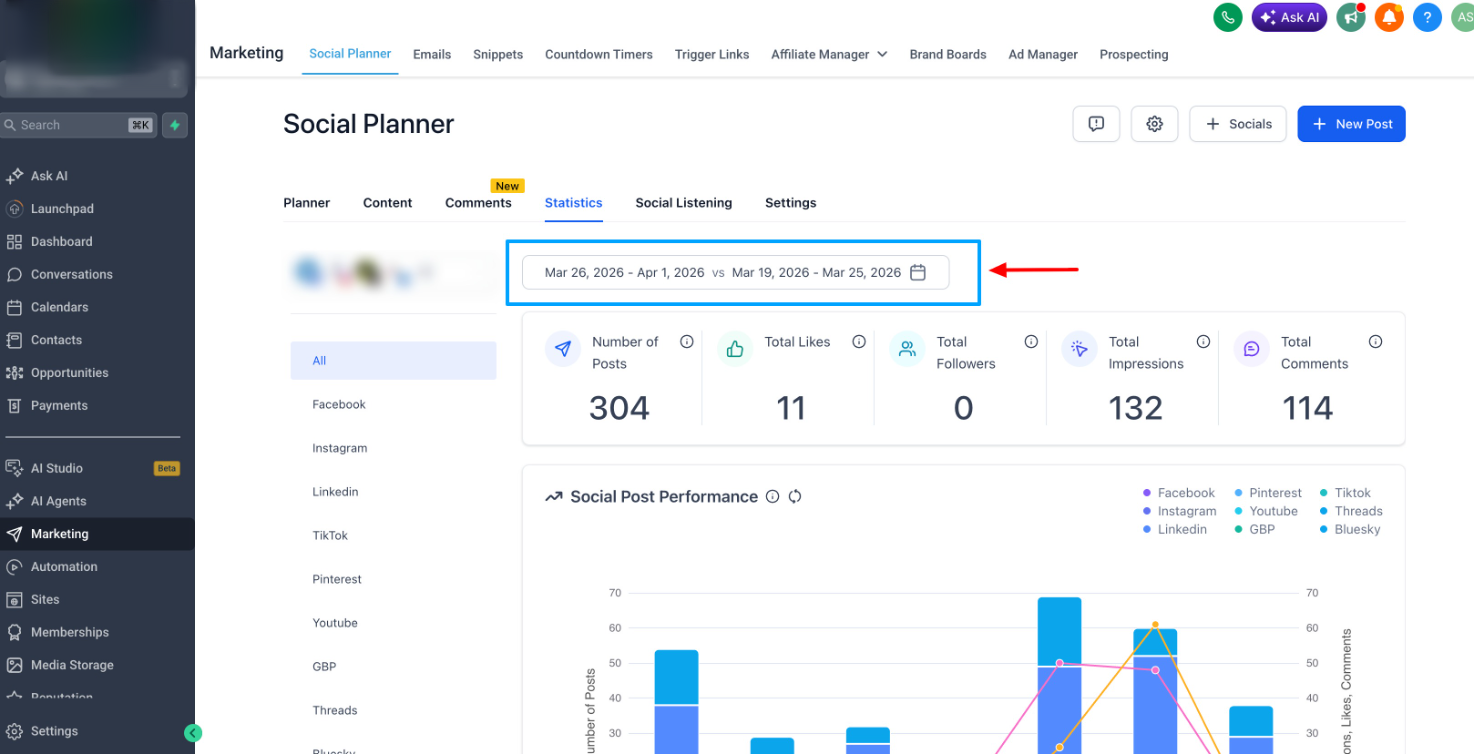
- Select any start and end date using a calendar picker
- Quick presets available: 7 days, 14 days, 30 days, Custom
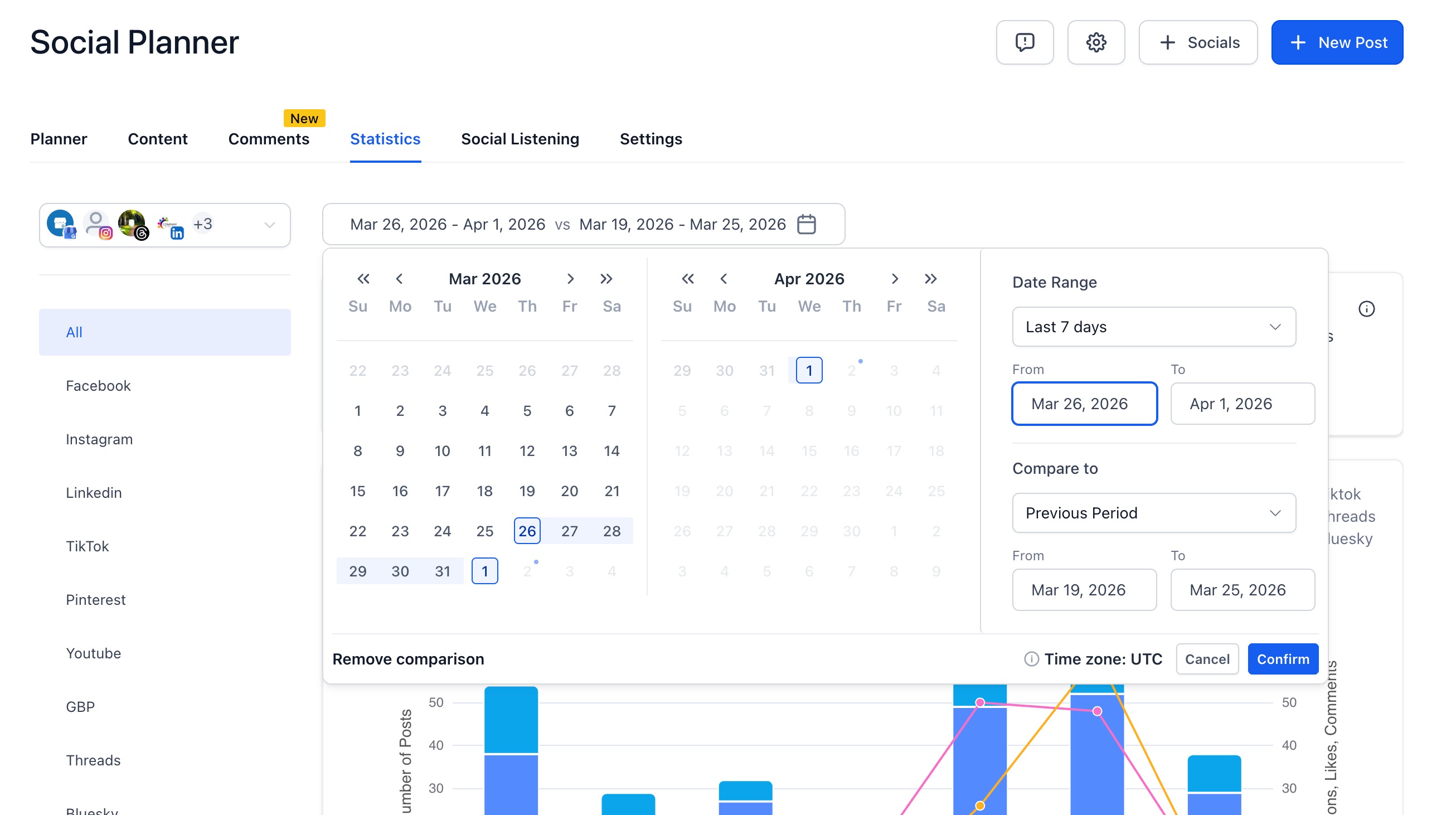
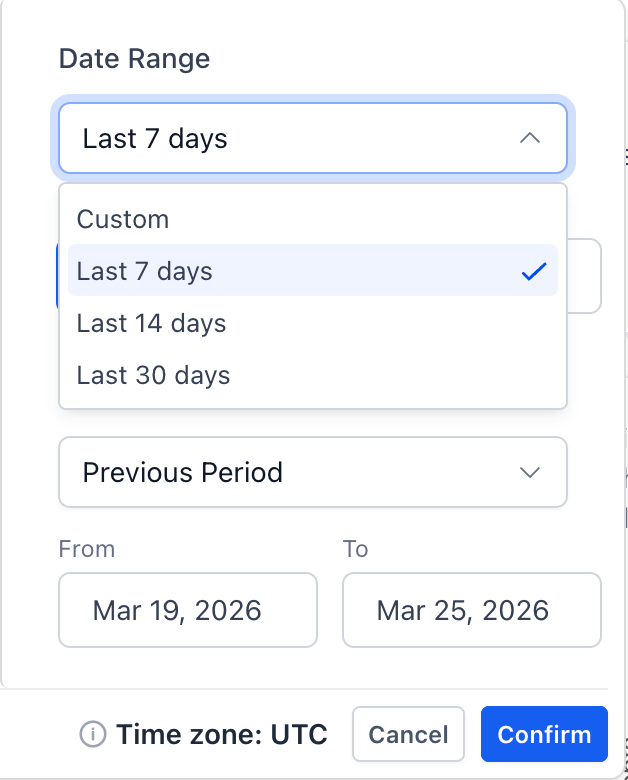
- KPIs, totals, and charts update instantly based on the selected range
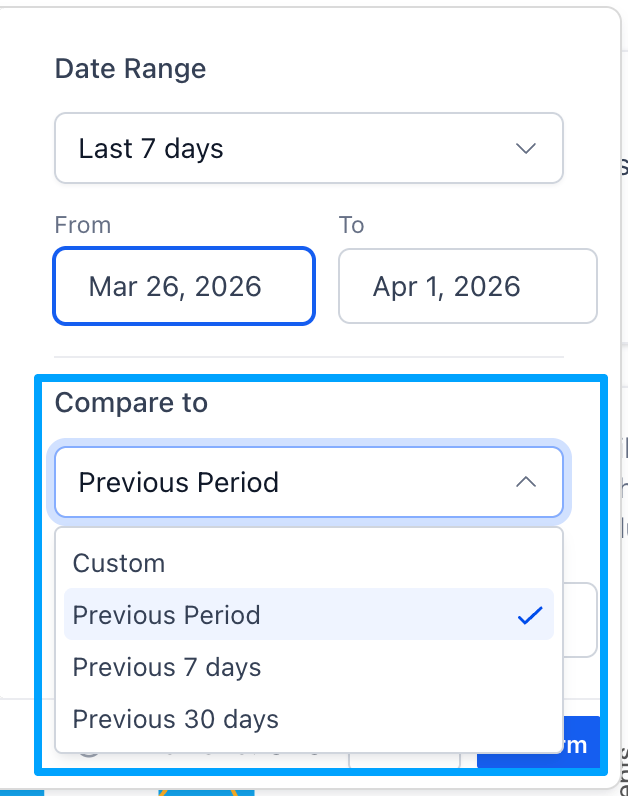
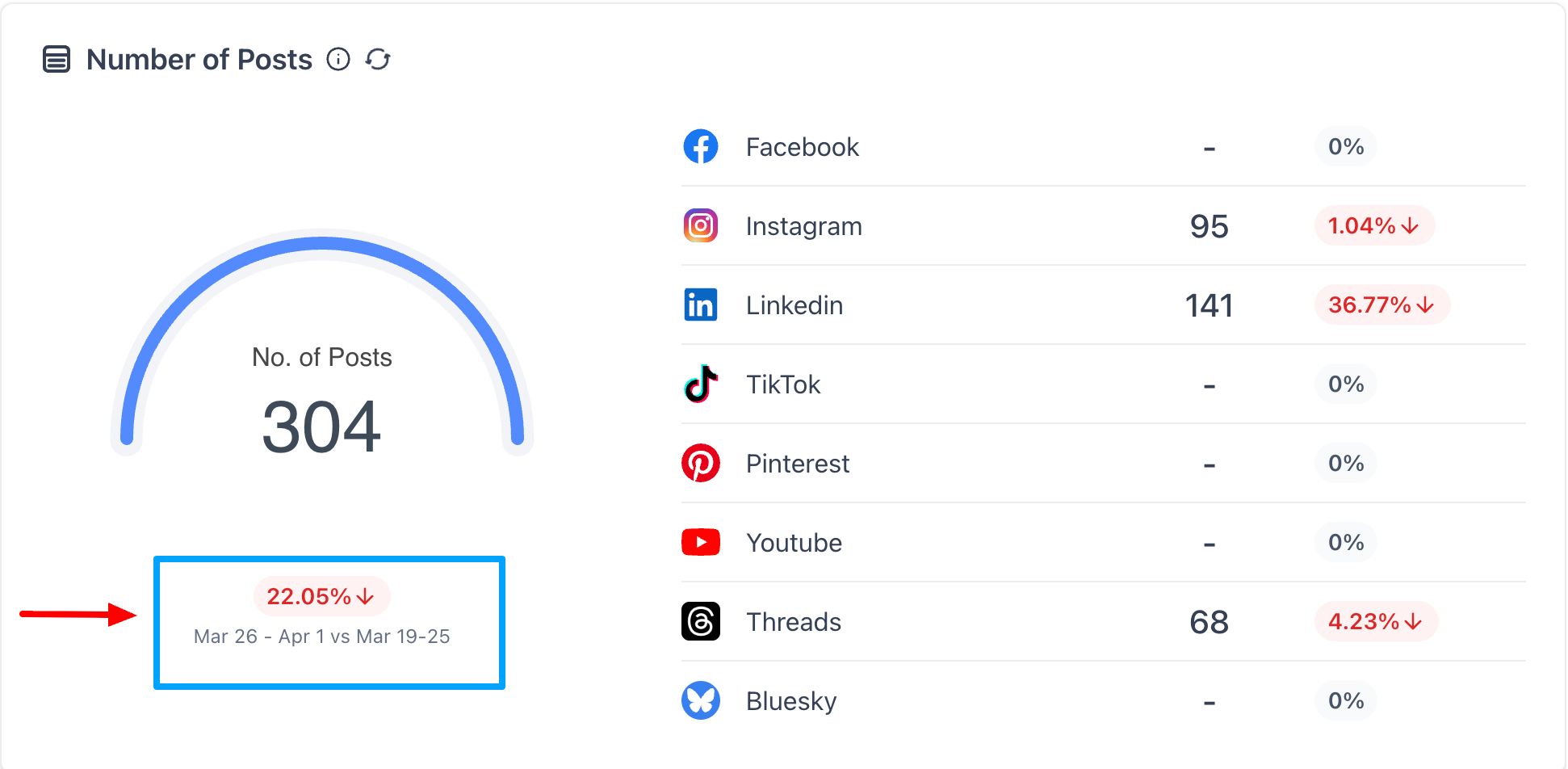
- Compare With Previous Period
- Compare the selected date range with the previous equivalent window
- Presets include: Previous Period, Previous 7 days, Previous 30 days, Custom
Percentage change indicators shown across:
- Total Posts
- Likes
- Followers
- Impressions
- Comments
- Smarter Graph Scaling
- Short ranges show daily data points
Longer ranges automatically use aggregated views for better readability
Why it matters
- This enhancement enables users to:
- Analyze performance across exact campaign windows
- Compare growth trends without exporting data
- Generate clearer insights and client-ready reports
- Reduce reliance on external analytics tools
Was this article helpful?
That’s Great!
Thank you for your feedback
Sorry! We couldn't be helpful
Thank you for your feedback
Feedback sent
We appreciate your effort and will try to fix the article